
Repository navigation
[Question] Post your screen shots here! #10
Description
Activity
OK, so this didn't catch on the way I had hoped....
I'm finding some cool examples being posted on GitHub.... if user's won't post them, I sure will! What I'm finding are surprising. The calculator example isn't just a calculator, the author created a new button class based on PySimpleGUI.ReadFormButton

Hey! Here are some screenshots of a web automation tool overlay I'm building with with PSG. It is letting me quickly implement without clunky nuance requirements, and provide nice functionality that I really wasn't planning on doing before finding PSG. Thanks!

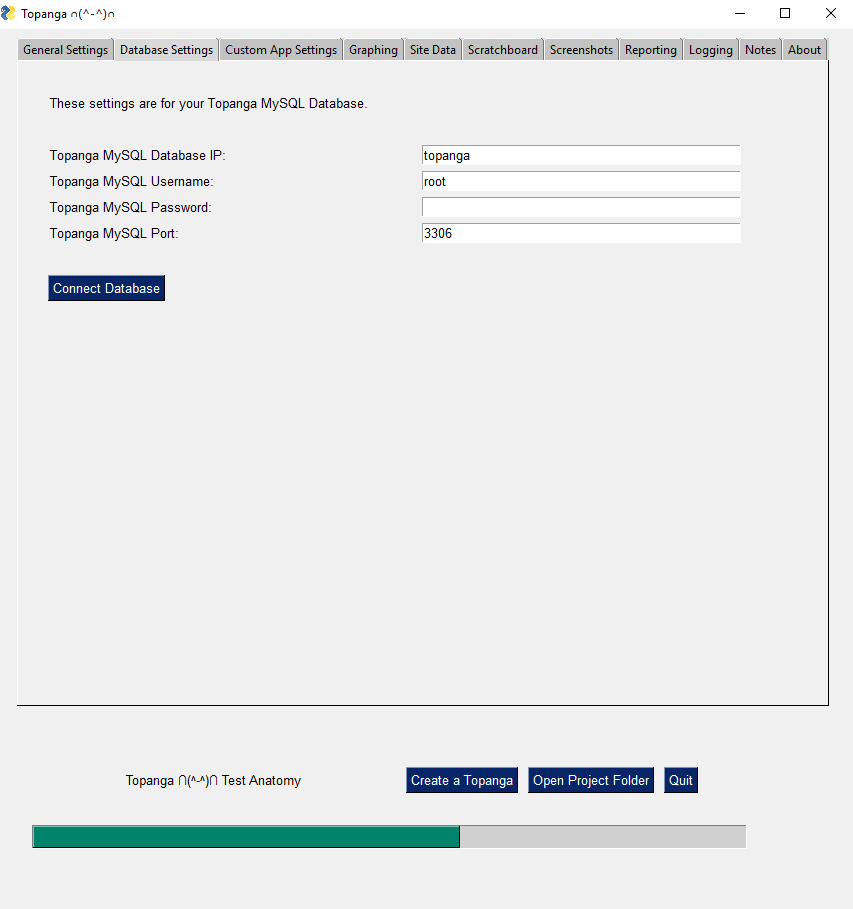
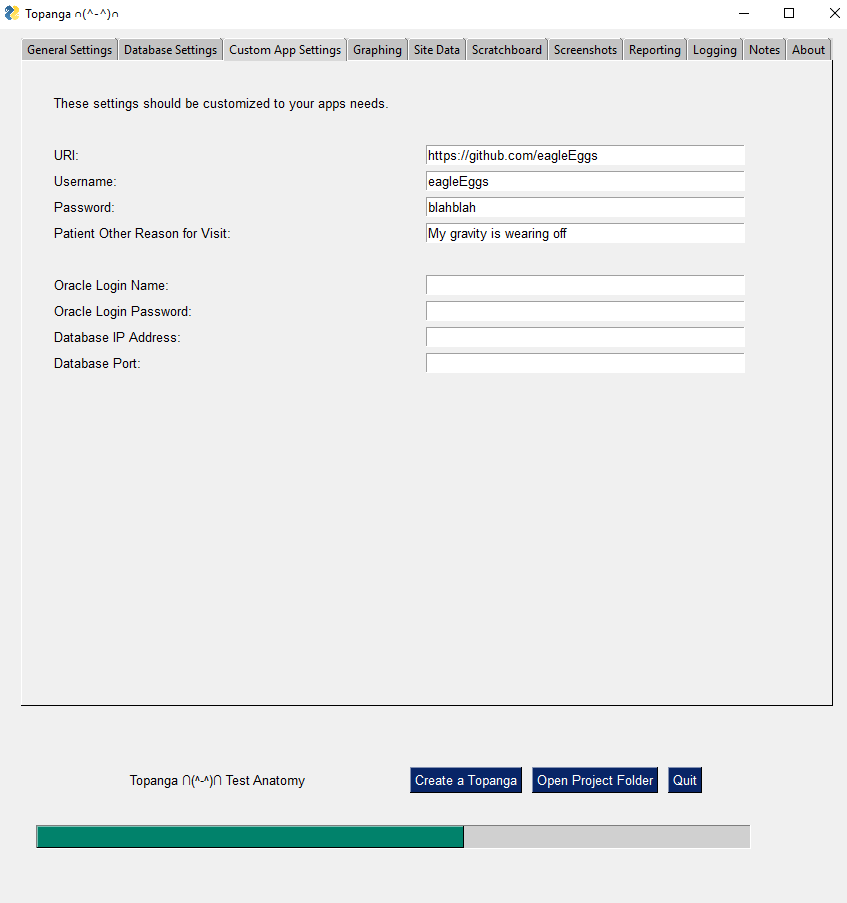
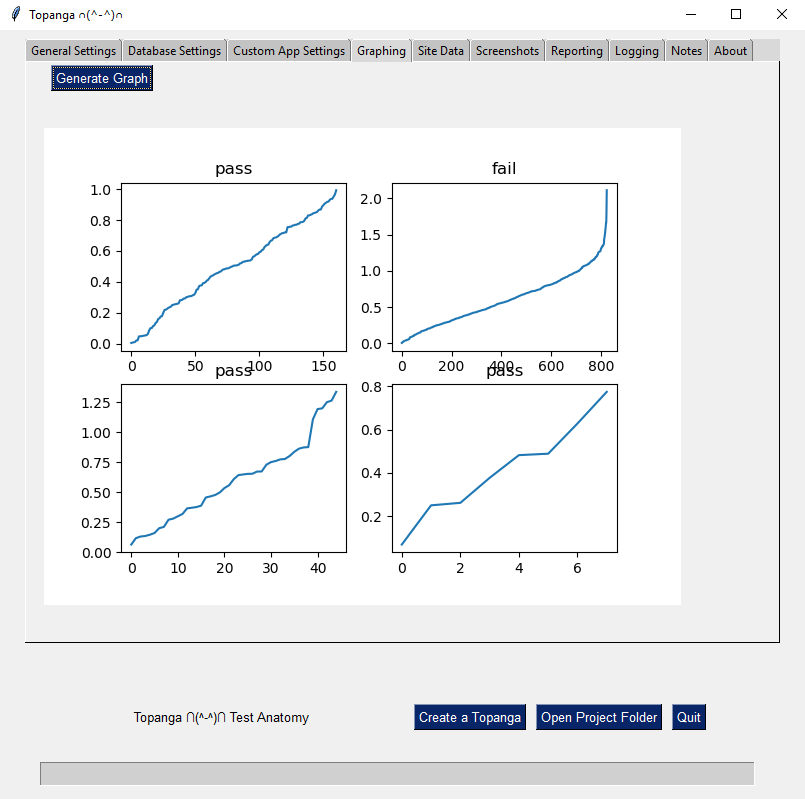

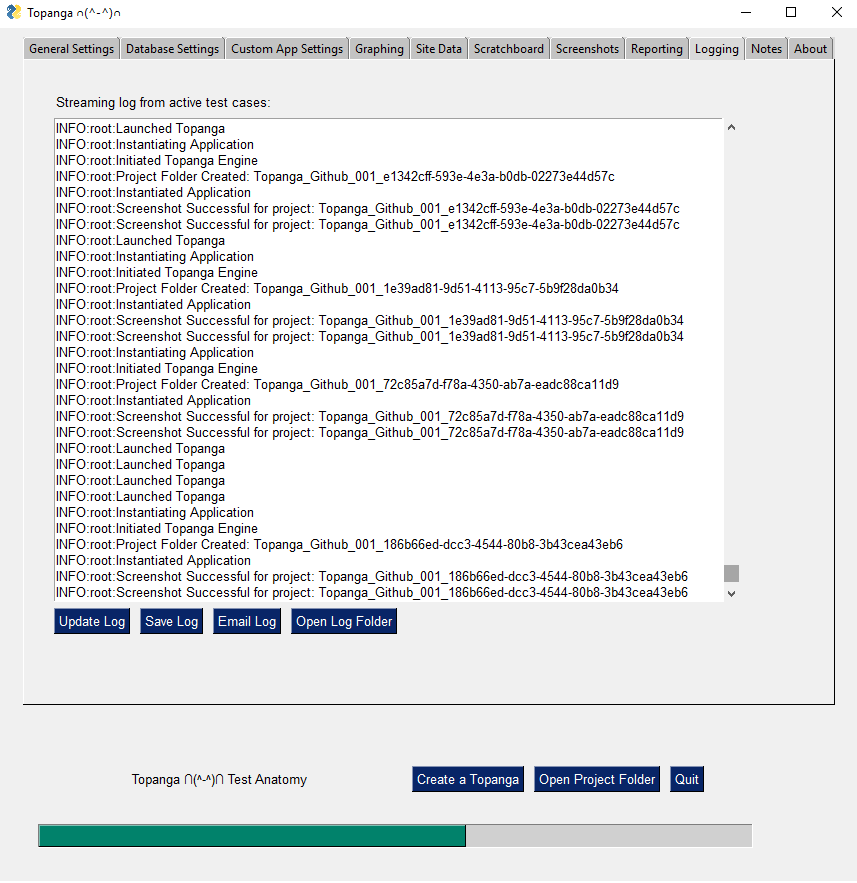
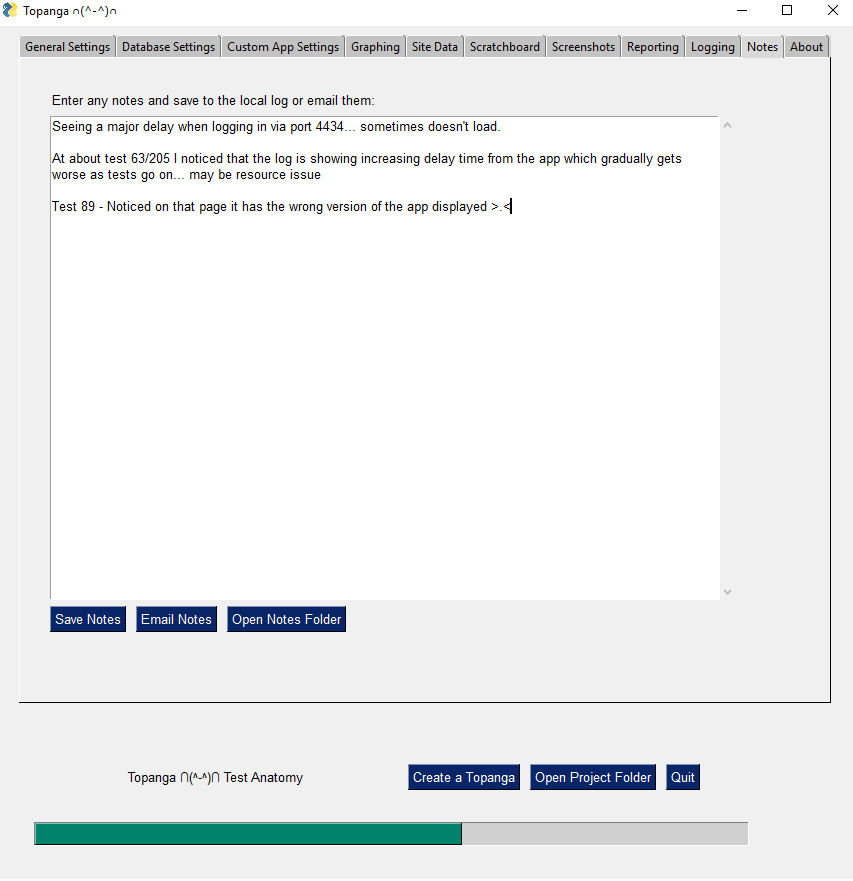
PSG is awesome!
Reacted by Angus Logan, unreal79, Naufal Fadhlurrahman, Will, Afam-Ifediogor, U. Divine, mamvangils, Hadi fathi and Leandro FerreiraThank you! This is SO helpful to us all. I've already picked up several ideas from what you've done and I'm sure others will too. And thank you for downloading and using the PSG logo 👍 It's better than the default tkinter logo in my opinion.
This kind of post is greatly appreciated to say the least!Haha no problem and thanks for the tool itself. About the icon.... don't look too hard at these screenshots!
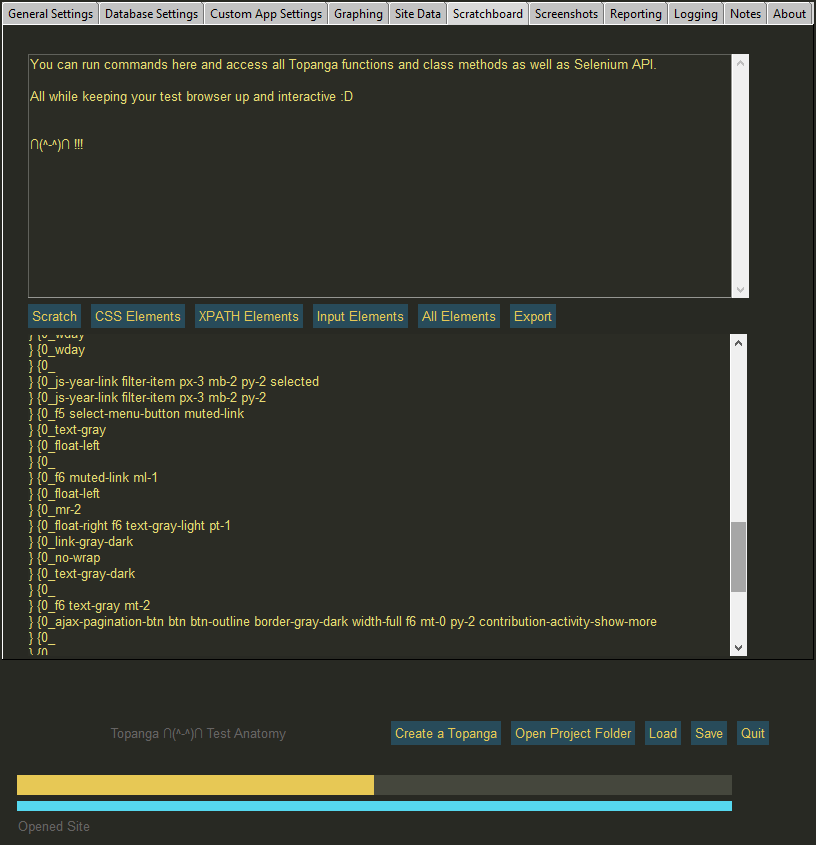
Here's another screenshot with a new theme I'm still working on...
@eagleEggs Just thought of a cool feature for you to use. Maybe your buttons already take care of this, but could work out nicely.... that feature is Menus. And in particular the tear-off menus. They essentially become floating toolbars without icons and instead use text.
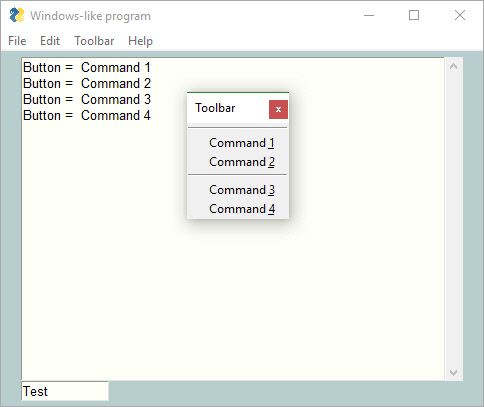
That is pretty cool. Will be looking into it.
The most interesting thing I've got in my program:

Basically a fancied up version of listBox where the user can choose multiple options. Saw it in other programs and wanted one for my own. It also has an advantage over listbox (I think) because when I had a lot of fields on a form, the regular listbox doesn't keep track of the selected values when the focus moves away. So instead, I use this like a popup to keep track of what was selected and allow modifications.
Reacted by MikeTheWatchGuy and Quirin MöllerI didn't see any tree element screenshot, so here's a sample from a program I'm writing:
 Reacted by MikeTheWatchGuy, Naufal Fadhlurrahman and Afam-Ifediogor, U. Divine
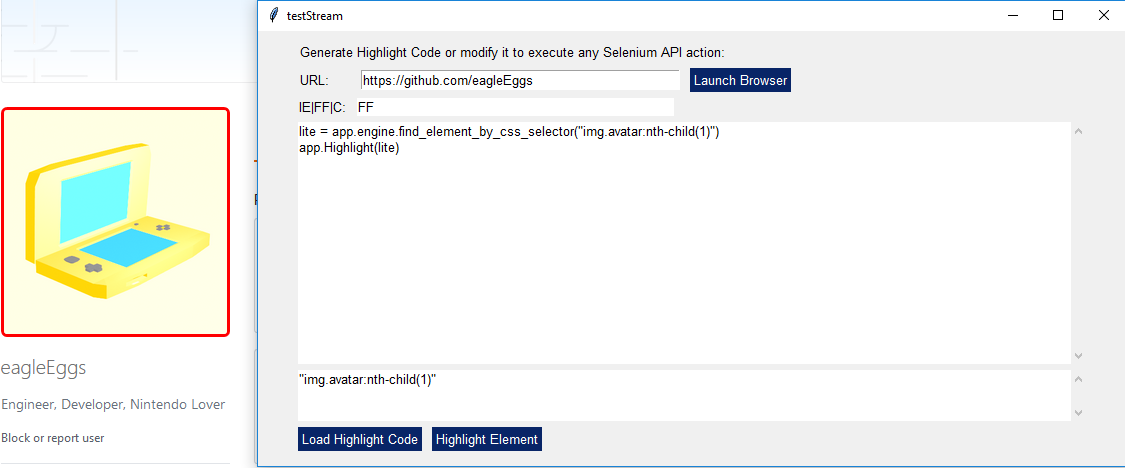
Spun off some functionality from my larger testing tool for easy use of specific functionality still using PSG :)
 Reacted by MikeTheWatchGuy
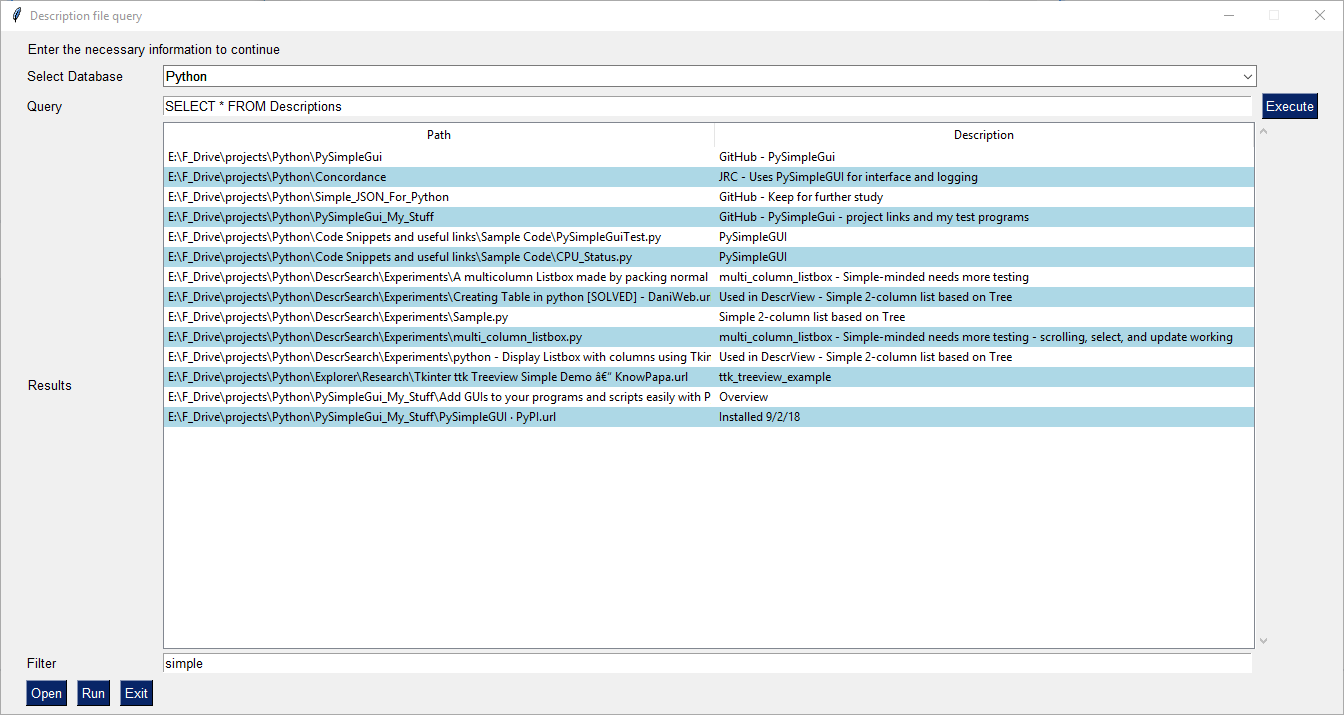
A program I wrote in Python using PSG. I use the old-fashioned
descript.ionfiles from the MSDOS days. (Old, but I don't know any better alternative for Windows.) I use comments to label my code, audio, and video files, but need a way to search for them by comment. This is my home-grown solution.The back end of the screenshot of the program you see is a SQLite database that maps files to their respective descriptions. The database was built by another Python program. (There are three separate Python programs, and I need to integrate them.) The front end to this query program is PySimpleGUI using the latest version of the Table element to display the result set. The PySimpleGUI code is only 70 lines in a 118-line program, including comments and blank lines. You can customize the result set by choosing different databases, and customizing your search using custom queries using SQL or full text search. You can further filter your results using the filter pattern that I picked up from another of Mike's examples. You are looking here at part of my Projects/Python folder, filtered by the keyword 'simple'.
You can select a folder or a file and click on
Open. Opening a folder opens the folder in Windows File Explorer. Opening a file opens the file in its default app. I wish there was the ability in PySimpleGUI to capture the double-click event in the Table element and open the file, like you can in Windows File Explorer, or in the PySimpleGUI List element. I actually wrote three versions of this program, trying to get as much functionality of a Win32 ListBox as I could:- Using PySimpleGUI and the List element
- Using PySimpleGui and the Table element
- Using TKinter and the Treeview element used as a multi-column list
424 remaining items
@SuppliedOrange ... sorry it's taken me a bit to write a comment. I was thrilled on many levels to see what you created at a really young age.
Ambitious!

I love it when people "fail" in a such a spectacularly successful way
 . You may have failed in your eyes, but looks like a homerun to me. Multi-windows??? Unfortunately multi-windows isn't very well documented in the current docs, but the PSG5 documentation does a better job.
I'm particularly impressed with the custom controls/buttons. Your windows don't look at all like a "dated tkinter window" which is frequently said about PySimpleGUI windows. It's not a massive undertaking to polish a PySimpleGUI program with custom graphics, as you've demonstrated.
Young programmers touch a special place in my heart. There has been 3 brilliant young software engineers that have been a part of the PySimpleGUI project. They've each made significant contributions technically and personally. I'm energized and motivated when I see the passion that young programmers have for programming. It's immediately obvious seeing creations like you've made that you're a creative person that loves programming.
I was fortunate to have stumbled onto programming at a young age and instantly felt like it was what I was born to do. I don't know why I felt that way, 47 years ago when accessing a computer took real effort, but I did with all the energy I had. It's a thrill, and I feel really fortunate, to get to see and be a part of young people falling in love with programming. I didn't foresee any of this happening, but really happy it has.
Thank you for the story and sharing your history! "Fail forward" is a term I think fits what you've done. Keep failing!
Reacted by SuppliedOrangeJust finished a revised version of my radio player - thought I would post a picture here. I have been writing Python code for a few years and PySimpleGUI is an excellent toolkit for building GUI applications.

(edited by mike so that the screenshot is visible in the documentation)
Reacted by PySimpleGUI, The Hatman Cometh, Afam-Ifediogor, U. Divine, Kendall, Hao Xu, szsurfing and Kyo KenjiroReacted by PySimpleGUI and szsurfingWOW @darkvip57
I LOVE
 your application! (You get the extra large hearts).
It's so.... clean... so.... polished.... with custom controls that make your application look nothing like a tkinter-based-GUI.
Thank you for the kind words. It's always nice to hear when someone's had a pleasant experience.
Reacted by darkvip57Hey, I've been building a XML Parsing and Evaluation Program. It uses XML XPaths to search for matching elements in XML File(s) and write found matches in a CSV File. A useful tool for my part since I use it to evaluate around 6000-8000 XML files and I need to know which Files contain attributes with specific values I have also implemented a CSV Conversion to Excel, Markdown and HTML via Pandas in a second Tab.
Here is a screenshot of the main XML Parsing and Evaluation Tab!

My suggestion is to add the option
expand_y=Truefor the height of Input elements, maybe it will look better.import PySimpleGUI as sg layout = [[sg.Input(expand_y=True), sg.Button("Button")]] window = sg.Window("Title", layout).read(close=True)
 Reacted by Jovan
Hey! I made a simple text editor to sharpen up my python skills, and rebuilt it with GUI using PSG.
Here's my screenie!

also, psst, any tips for making the GUI look a little better?Reacted by PySimpleGUI and Kyo KenjiroHi @Anxiemon (Pedro)! I'm SO sorry I missed seeing your post. It's been a while since I checked the screenshots.
Thank you for posting a screenshot!! I love seeing what people are creating. The important thing is that (1) you've got something running and (2) you are actively looking to improve it. That's 90% of the work.
The built-in themes are one way of quickly applying color to a window. Another is to look online at pallets of colors. That's how I made the themes. I'm not very skilled at choosing colors which is why I built a lot of color themes into the code.
Here's a site I've used in the past to get matching color groups:
https://colorhunt.co/I like to use images for buttons sometimes too. That can dramatically have an impact on the user interface. There are some tutorials, cookbook entries and Demo Programs that will help you learn more.
Keep building, and come back and post more screenshots as you build more applications! You're off to a great start! Thank you for sharing.
OK, now I have had time to shoo the bugs out. This is a Python frontend to some older FORTRAN stuff I have collected over the years. The arrows show the normal vectors of the panels of an airplane, and those should point away from the 'plane in order to allow a potential flow code to work properly.
 Reacted by PySimpleGUI
I
 it P-Kaempf!
It never occurred to me that vectors would be a use of lines in a Graph element or I would have added an arrowhead long ago. Thanks for the suggestion and thank you for the beautiful screenshot!
Heya! It has been a long time since I've posted anything here (bc I don't have many ideas for apps that I can make with my skill level lol)
Anyway, I made a text encoding fixer using ftfy! It's pretty basic at the moment, but still.

psst, how do you change the color scheme? I found a cool color palette, but I dunno how to use it[Answer] https://github.com/PySimpleGUI/PySimpleGUI/blob/master/DemoPrograms/Demo_Theme_Add_Your_Own.py
[Answer 2] https://docs.pysimplegui.com/en/latest/documentation/module/themes/
If you type "theme" into the search box at the top of the docs you'll find sections, cookbook recipes, call ref, etc.Reacted by PySimpleGUII could not find a searchable combo box example in the demos so this is my attempt to simulate one with a popup.
Code can be found here https://github.com/kcl1s/PySimpleGUI-Tips/blob/main/psgt018SearchCombo.py
I also made a video about the code https://youtu.be/G0A_eceWfcM
 Reacted by PySimpleGUIReacted by PySimpleGUI


Type of Issue (Enhancement, Error, Bug, Question)
Question
Operating System
ALL
PySimpleGUI Port (tkinter, Qt, Wx, Web)
ALL
Versions
Version information can be obtained by calling
sg.main_get_debug_data()Or you can print each version shown in ()
Python version (
sg.sys.version)ALL
PySimpleGUI Version (
sg.__version__)ALL
GUI Version (tkinter (
sg.tclversion_detailed), PySide2, WxPython, Remi)ALL
Your Experience In Months or Years (optional)
Years Python programming experience
Years Programming experience overall
Have used another Python GUI Framework? (tkinter, Qt, etc) (yes/no is fine)
Anything else you think would be helpful?
Troubleshooting
These items may solve your problem. Please check those you've done by changing - [ ] to - [X]
Detailed Description
Take a moment to drag and drop a screenshot into a comment in this issue.
It'll help other people see what's possible and perhaps come up with ideas or uses not previously thought of.
I've already seen a couple of really good ones. Help your fellow Python programmer out by posting your creation.
Code To Duplicate
None
Screenshot, Sketch, or Drawing
None
Watcha Makin?
If you care to share something about your project, it would be awesome to hear what you're building.
None