







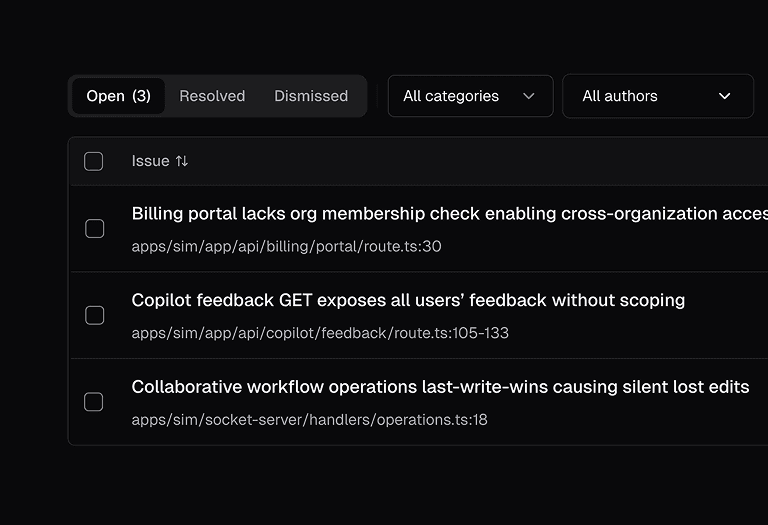
Find serious bugs and vulnerabilities in your codebase.
1000s of AI agents scan your codebase to find bugs and security issues.
cubic automatically notifies the user or team who introduced an issue.
Fits into your workflow.
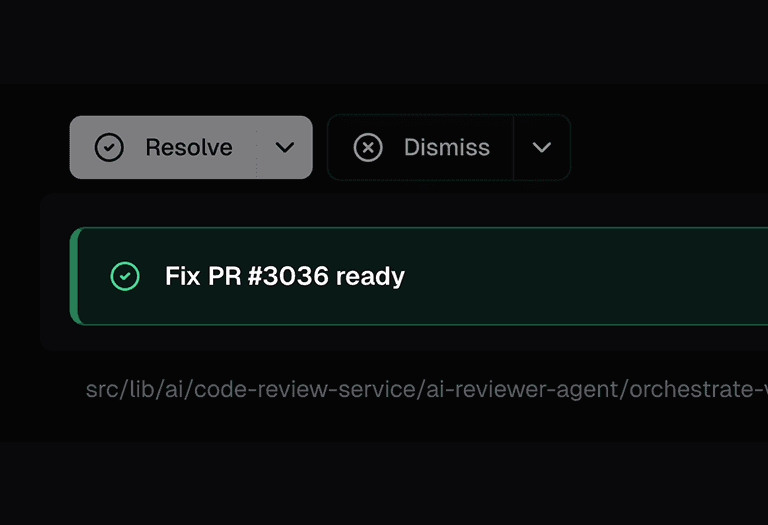
Automatically create PRs for detected issues, or create tickets to developers who introduced a bug.
Issues are automatically resolved when a fix is merged.
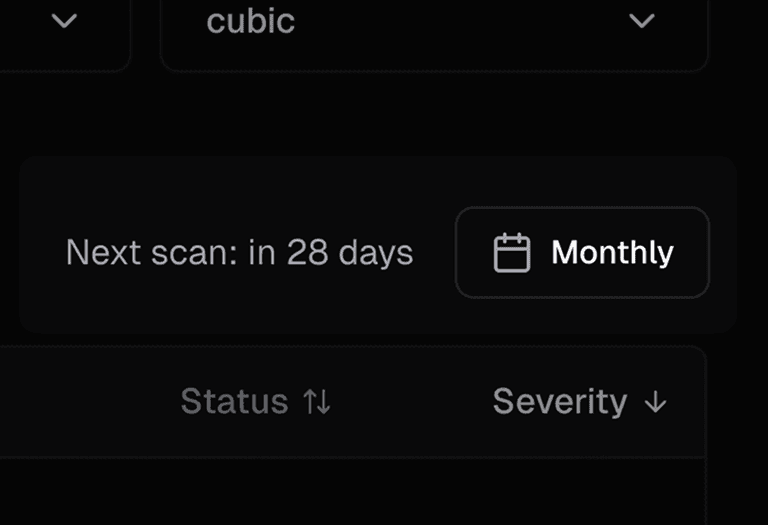
Repeat on a schedule or before a big release
Run scans on a schedule to catch new issues.
Catch bugs and vulnerabilities with deep codebase scans
Gives developers everything they need to triage and fix issues fast.

Triage
Triaged issues with clear explanations, so you can focus on what matters most.

Assign
cubic identifies and notifies the issue owner.

Fix
Integrates with AI IDEs to fix locally, or use AI cloud agents to create fix PRs.
Frequently asked questions
Your question not answered here? Email us.
Which plans include codebase scans?
Pro and Max include scans for up to 3 repositories. Enterprise plans cover more.
How often do scans run?
On the schedule you pick: daily, weekly, every two weeks, monthly or quarterly. Every two weeks is the default.
How long does a scan take?
A few hours for a small repo, and up to two days for a very large one. You get updates while it runs.
Where do the findings go?
Fix them with a cubic PR, open them in Cursor, file Linear, Jira or GitHub issues, or notify the owner in Slack or by email.
Do scans use our reviewed lines?
No. Scans have their own limits and don't count toward the lines in your review plan.
How is this different from a SAST tool?
Rule-based scanners flag anything that matches a pattern. cubic's agents check whether each issue can actually be reached, and they find logic bugs that rules can't describe.

