Features
Powerful features in a minimal package. Write, QA and schedule content on your static site with your entire team.
-
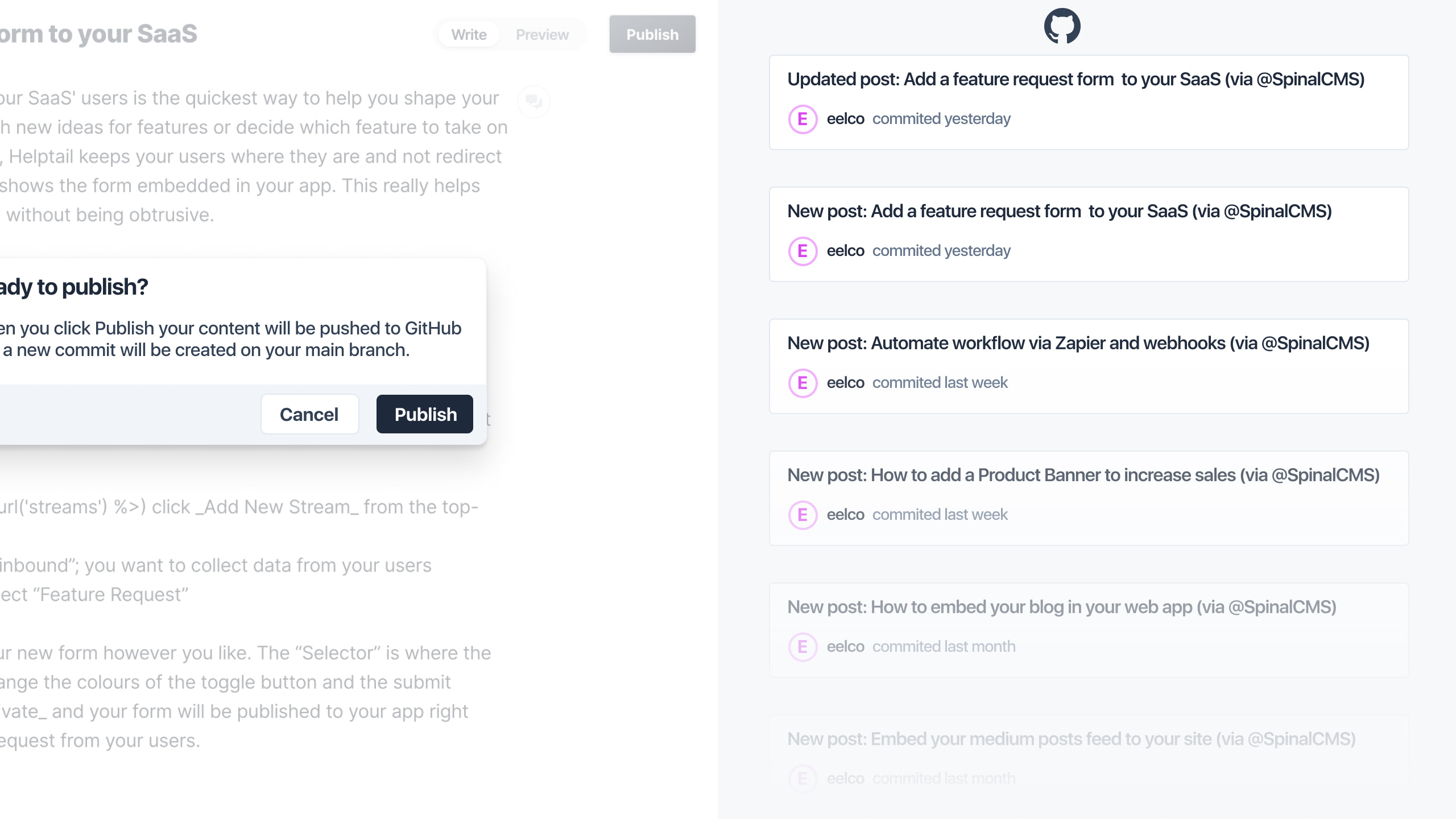
Git-based CMS for static site generators
Get started quickly creating, updating and scheduling your static site's content by simply connecting your GitHub repo.
-
Don't change your team's workflow
Developers and designers still improve your site on their computer. But with Spinal, your writers can use a web-based editor to create content. No Git knowledge required! That's the power of Spinal: let everyone do their best work however they want.
-
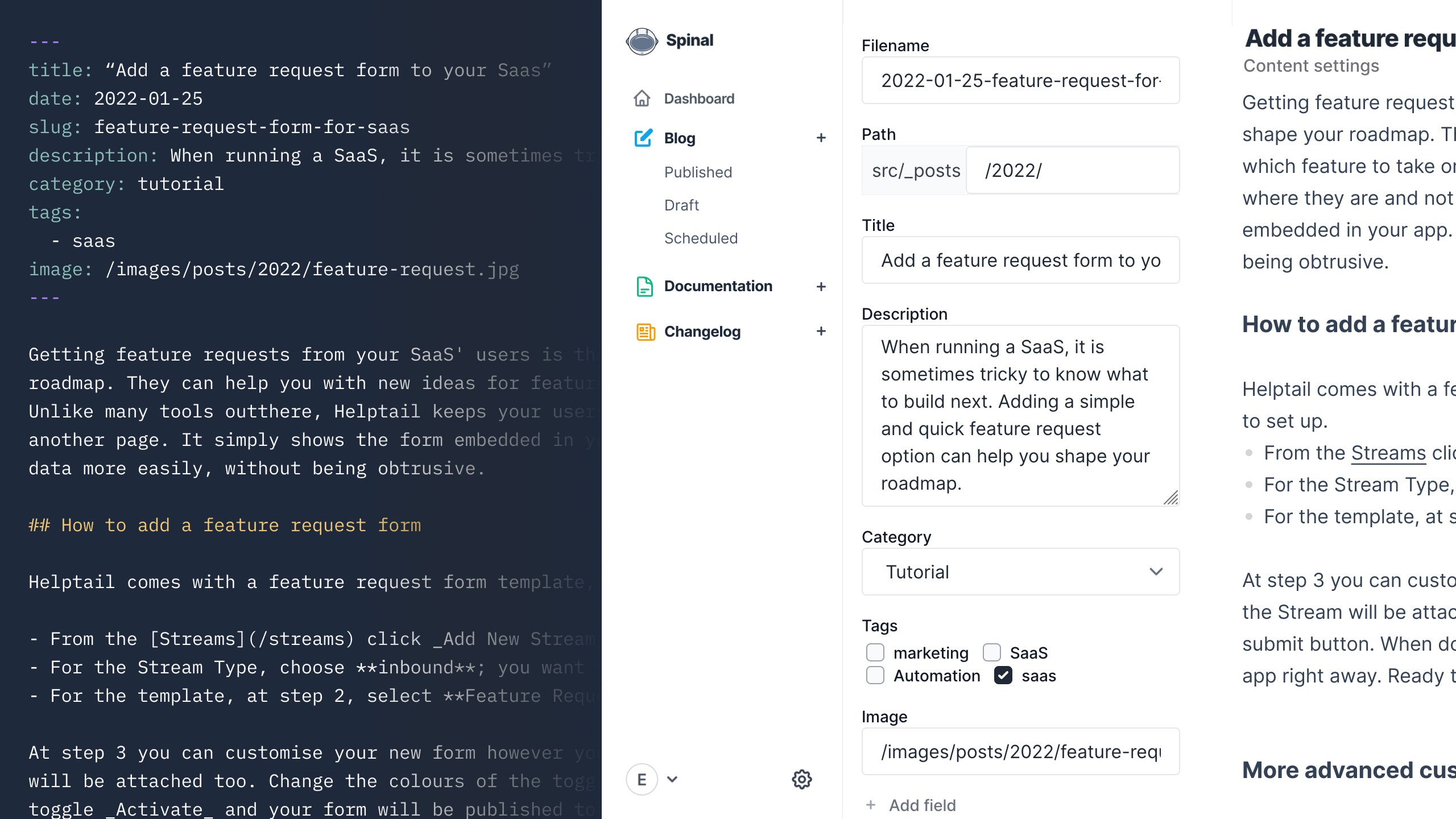
A wysiwyg-editor your writers know and love
Spinal boasts a minimal editor. Your content is the protagonist at all times and the UI won't get in your way. Want to start a new article? Done in seconds! Need to update an older article for 2022? Done in no time too. All while using an editor your writers are familiar with.

-
Schedule content to be published automatically
When you run a solid content marketing strategy, you want to create content in advance. With Spinal you can schedule your content and it will be published for you automatically.

-
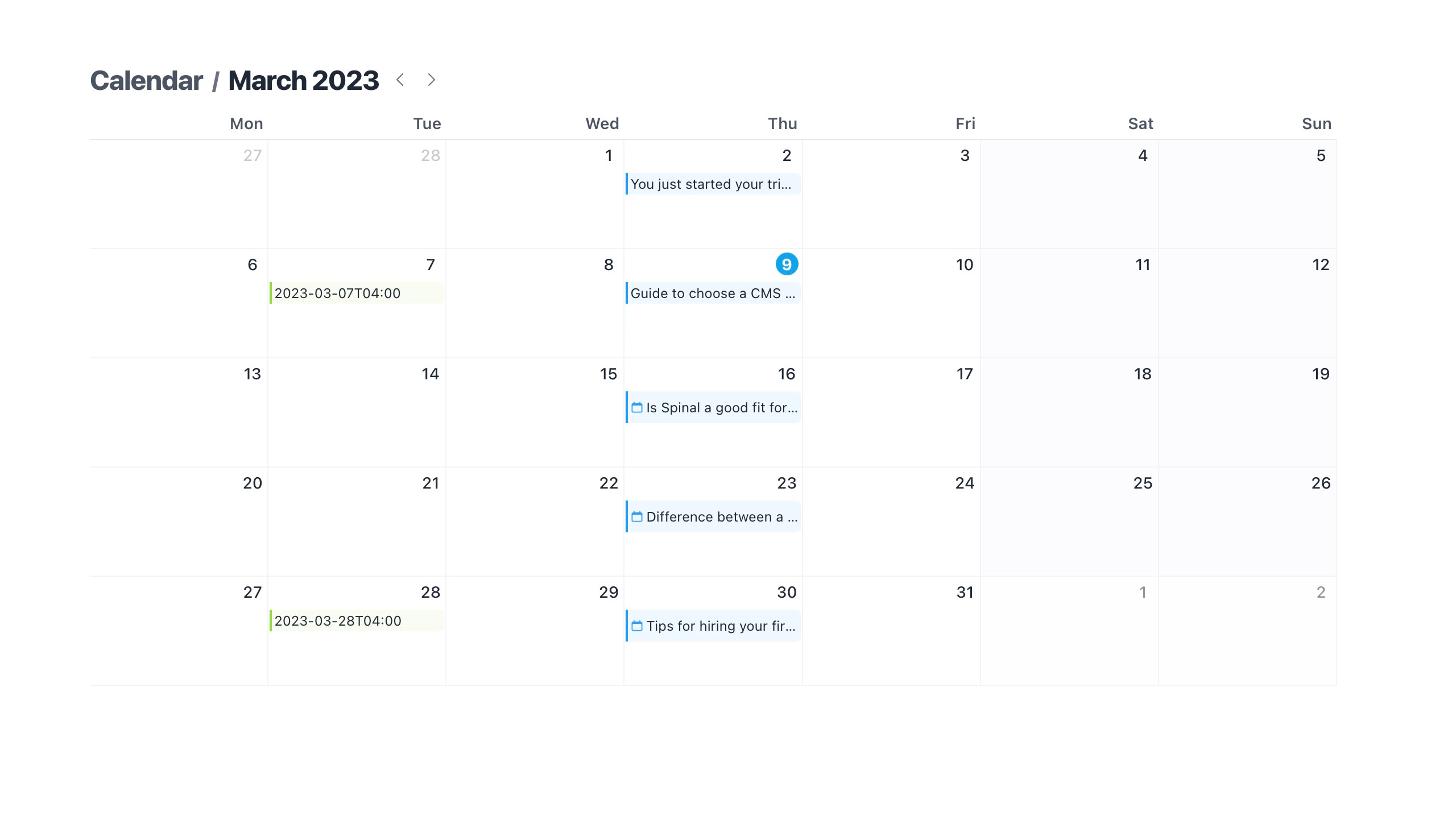
All your published and scheduled content at a glance
The calendar view gives you a bird's-eye view of all the content you have published and scheduled to be automatically published in the future.
-
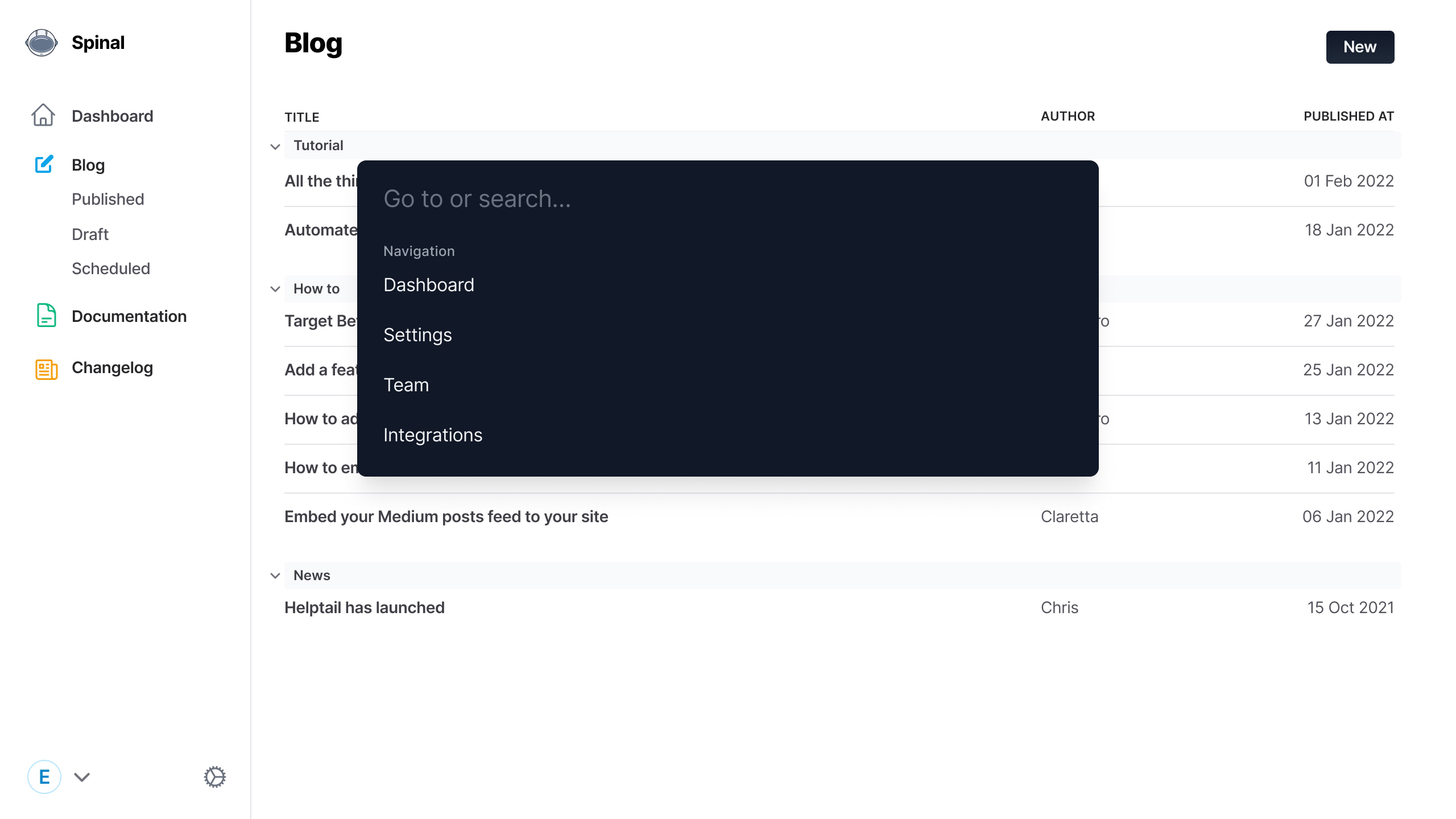
Search and find content from anywhere
With a growing number of content items, across multiple content types, it can get trickier to find certain items. Summon the Global Command Menu (via CMD/Ctrl+K) and search for any word.
-
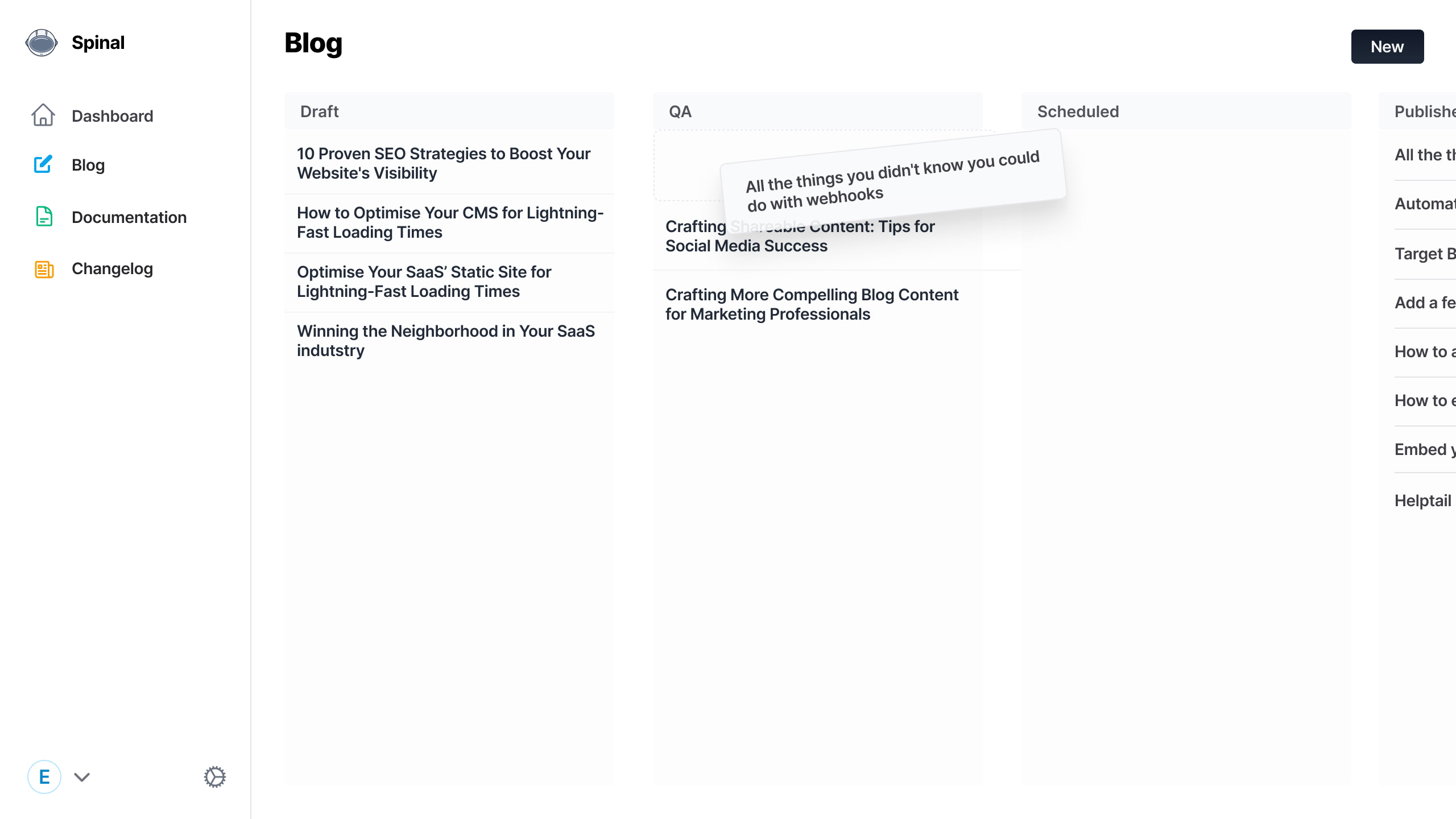
Know where your in-progress content is at, at every stage
With the Workflow feature you can see at what stage all your content is at. From Ideas to Draft to QA to published.
-
Collaborate with your team
Invite your entire marketing team and collaborate on your static site's content. Drafted a new blog? Ask for feedback. Seeing a typo in the last batch of docs? Let the author know.

-
Customise all of your dashboard (almost all)
Your content is yours, but you can make it even more yours in your Spinal dashboard.

-
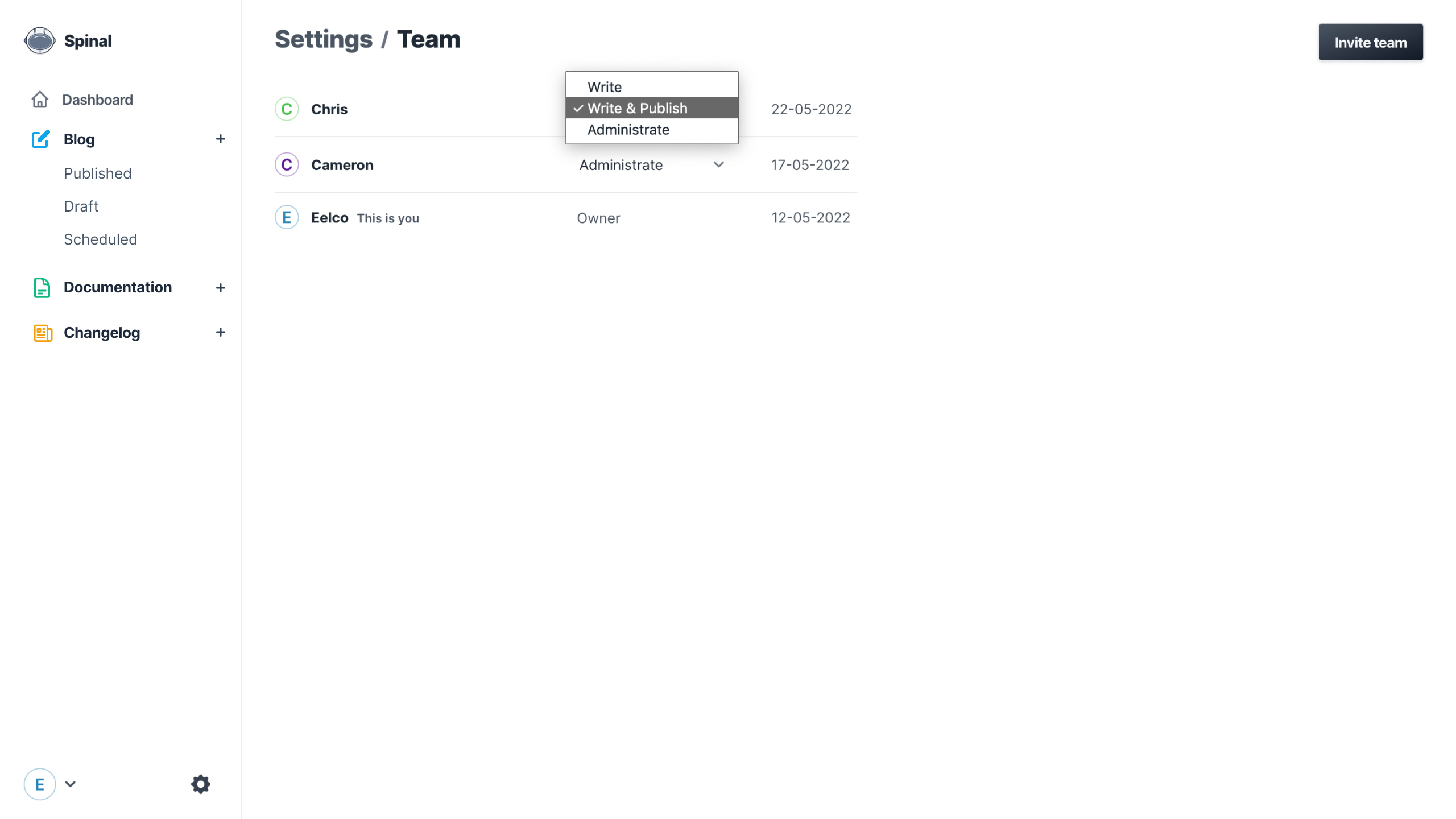
Set up permissions
You decide who can do what with your content, for example: only write and edit, publish or also invite others. Set if someone has access to some content or all of it. Set up the workflow that works for you.